Other
New Display Theme Settings Function and Cluster Function Update
04-20-202624,242 views
What's New
- A new Display Theme Settings function has been added.
- This feature allows you to purchase and set Cluster themes in your vehicle by going to [Settings] > [Screen Layout] > [Display Themes].
- The display theme menu may not be displayed immediately after the update. You can check the menu by restarting the vehicle twice.
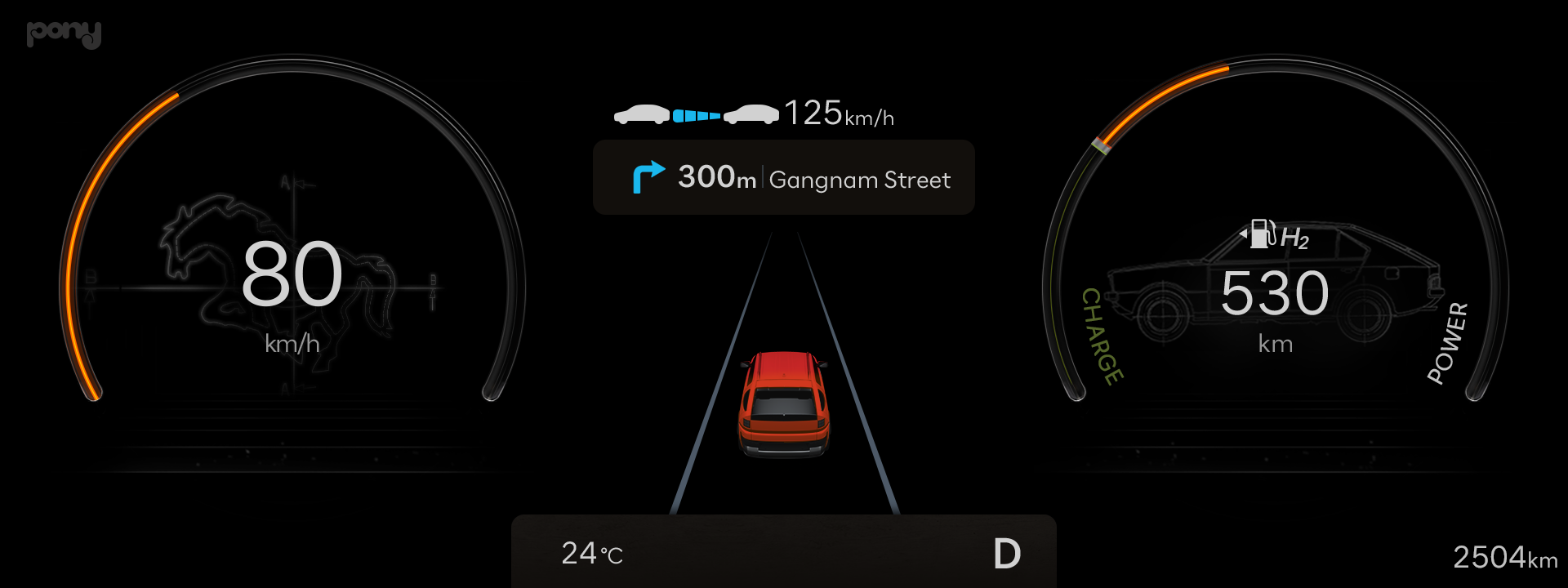
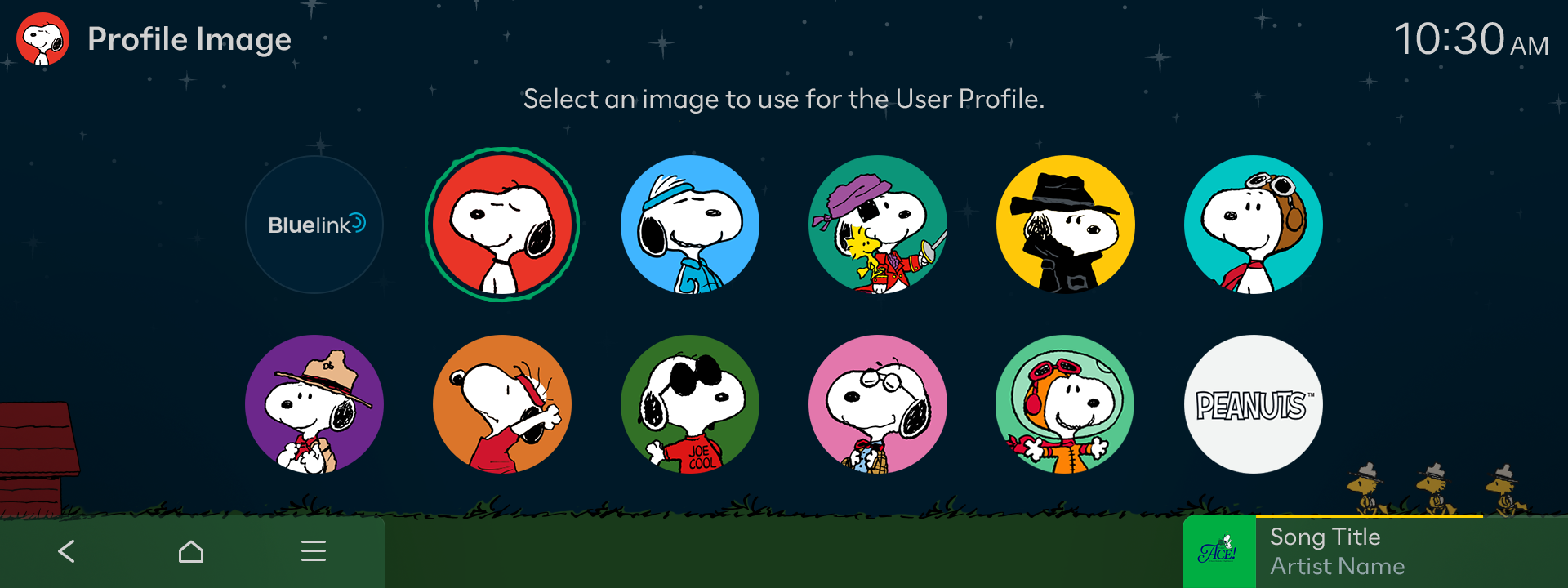
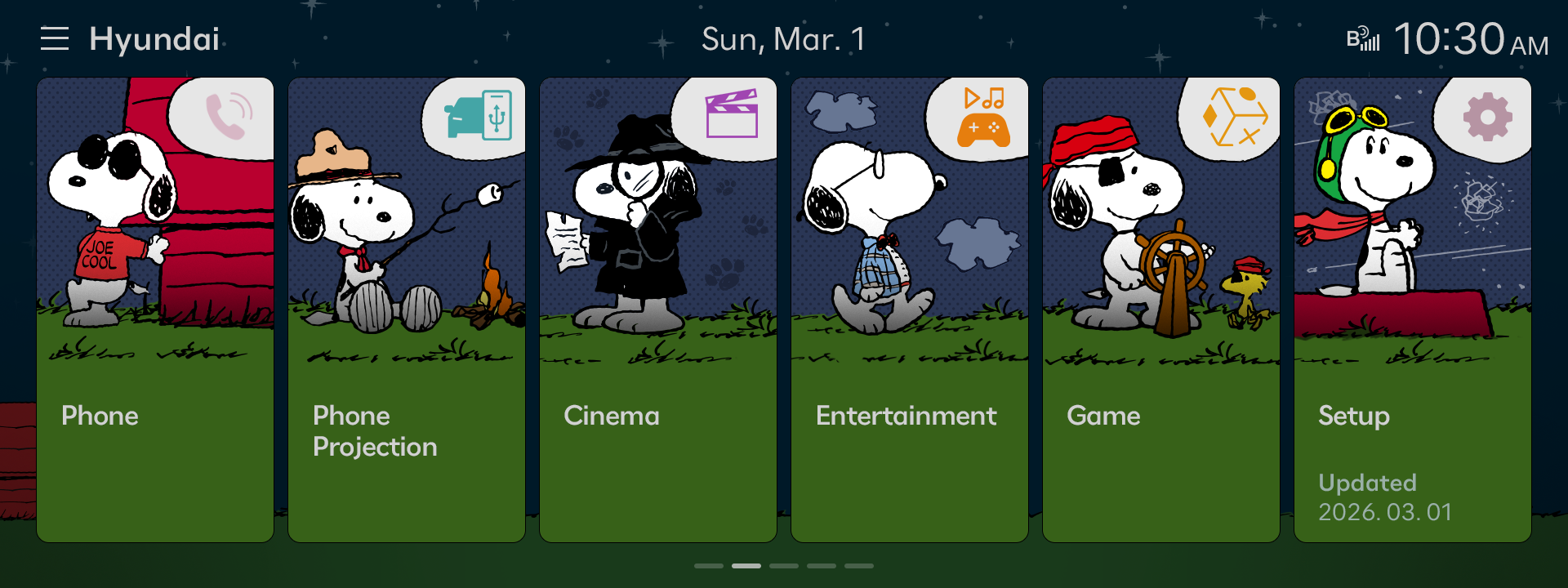
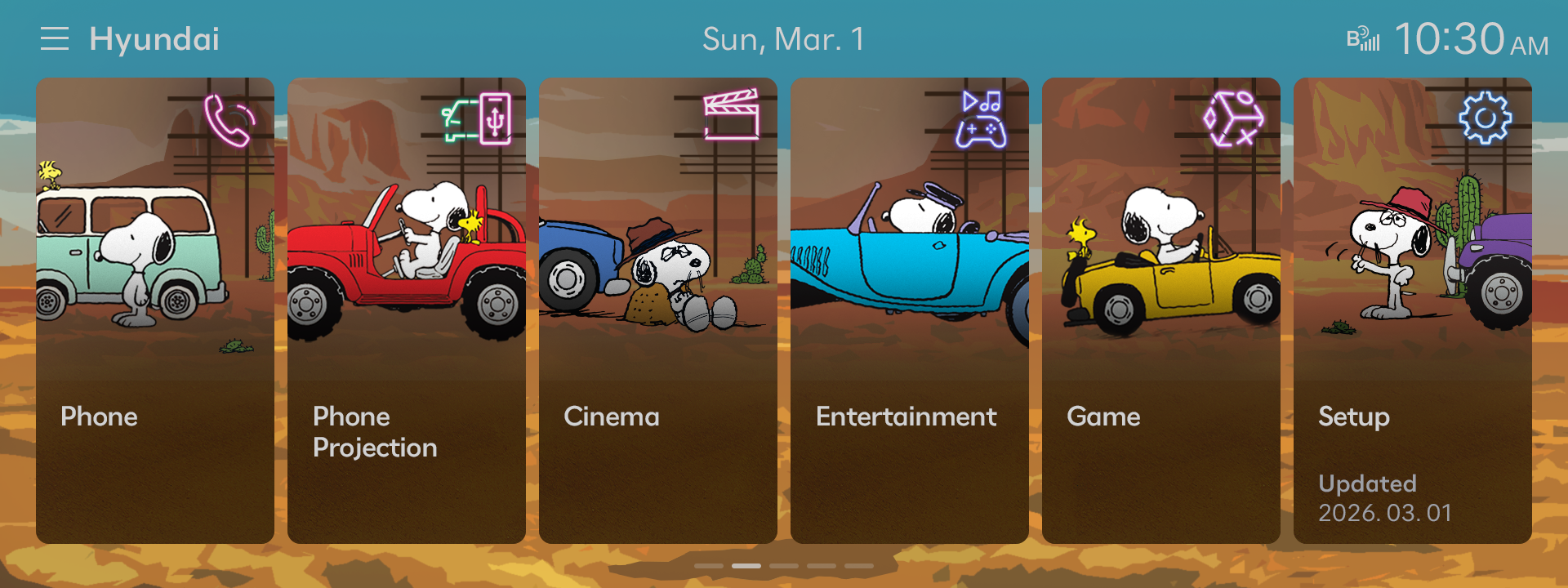
- Cluster themes have been improved and more types have been added.
- Improvements have been made to the graphics of the Classic theme.
- A new Modern theme has been added.
- These themes can be set by going to [Settings] > [Cluster/HUD] > [Cluster Theme Selection].
- A digital speedometer has been added to the Cluster.
Important Information
- This Display Themes Settings menu has also been added to the Infotainment system. To ensure its normal, error-free use, installation of the latest version of the Infotainment software is required.
- Display Themes can be purchased through the Bluelink Store, available in the myHyundai App.
※ The 'Cluster Theme Selection' settings update applies to all SANTA FE models and some TUCSON models.
Feature Availability in Vehicles
- Vehicles with both ccNC Infotainment systems and 12.3-inch clusters support this new feature. Vehicles include: SANTA FE, TUCSON, and IONIQ 5.
등록한 차량이 없습니다.
소유 차량을 등록한 후 리뷰를 작성할 수 있어요.
※ 보유 차량이 보이지 않는 경우, 마이현대 모바일 앱에서 보유 차량을 등록해주세요.
로그인 후, 리뷰 작성해주세요!
내 차량을 선택하고 하드웨어와 소프트웨어를 구분하여 업데이트 리뷰를 작성해보세요
하루에 3개 이상의 리뷰를 등록할 수 없습니다.
이미 등록된 게시글인지 확인해주세요.
리뷰를 작성할 수 없습니다.
이용 제한으로 인해 업데이트 리뷰 작성을 하실 수 없습니다.
빌트인 캠 업데이트
아래 파일을 다운로드 받아,
USB 메모리 최상위 폴더에 복사해주세요.
Navigation Updater installation required
Installation of the latest version of Navigation Updater
is required. After installation, select the
'Download' button again to run automatically.