New features and enhancements
- The map has been updated.
- The map has been updated with the latest road information.
- Real-Time Online Navigation
- The latest maps are now always available without the need for a separate navigation update (OTA).
- With this update, the new online navigation system provides optimal route guidance by downloading the latest road information from the server in real time, similar to how smartphone navigation apps work.
- Previously, navigation relied on offline maps stored in the vehicle, which were combined with traffic data from the server. However, due to infrequent map updates, newly opened roads were often not reflected in the guidance.
- The new online navigation system downloads only the necessary map data for the area around the vehicle and the route to the destination, ensuring efficient and up-to-date guidance. It continuously checks for the latest map data, allowing drivers to always benefit from the most current navigation experience without having to manually update maps.
- In environments where network connectivity is limited, such as tunnels or mountainous areas, the system automatically switches to offline mode using maps stored in the vehicle. This ensures not only uninterrupted navigation but also the smooth operation of all vehicle-integrated features, including navigation-based Smart Cruise Control.
※ This feature is available in vehicles equipped with the ccNC infotainment system and subscribed to Connected Services.
- With this update, the new online navigation system provides optimal route guidance by downloading the latest road information from the server in real time, similar to how smartphone navigation apps work.
< ccNC >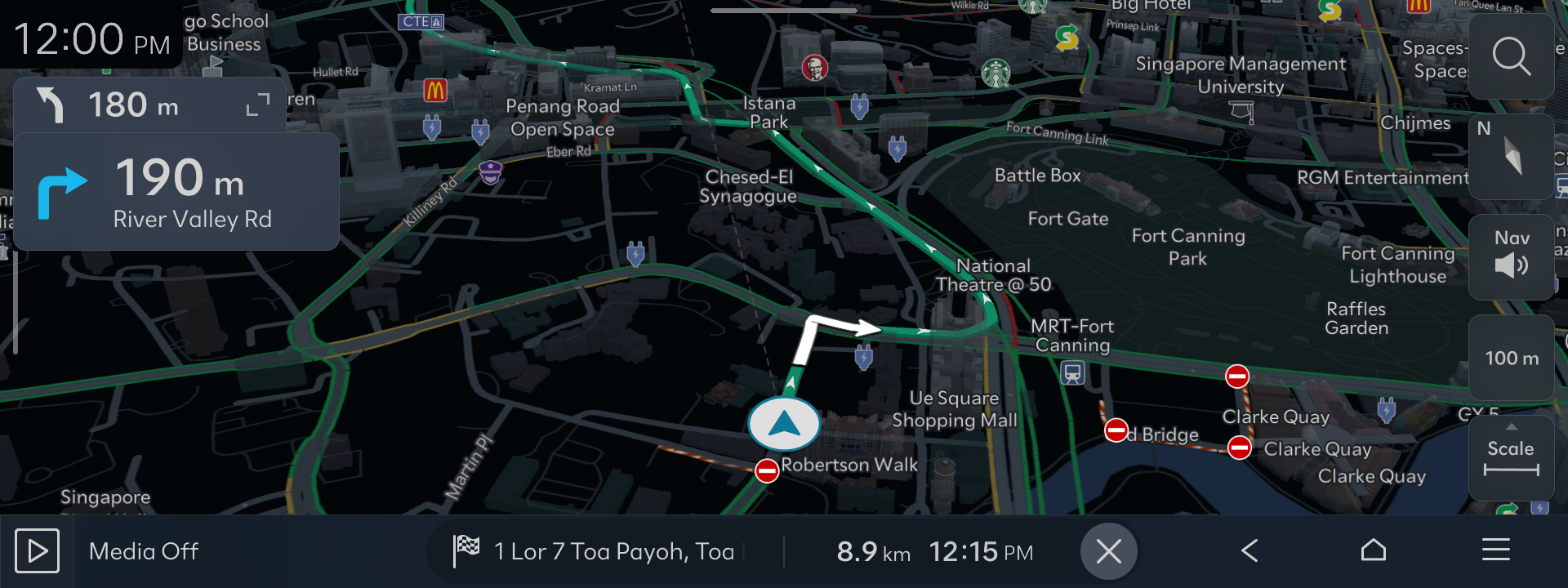
- The latest maps are now always available without the need for a separate navigation update (OTA).
- New Split-Screen Media Widget
- Viewing and controlling media is now more convenient with the new split-screen media widget.
- With this update, you can now view album artwork, track title, artist information and playback progress directly from the split-screen view.
- Basic playback controls, including Previous, Next, Play and Pause, are now available in the split-screen view, making it easier to manage your media without leaving your current screen.
- The media widget supports a variety of media sources, including Radio, Bluetooth Audio and Phone Projection.
- These enhancements provide a more seamless and convenient multitasking experience while enjoying your media content.
- Viewing and controlling media is now more convenient with the new split-screen media widget.
- System Upgrade and Stability Improvements
- This update includes overall stability improvements to help provide a smoother and more reliable experience.
- Connectivity has been improved through enhancements to Phone Projection and Bluetooth pairing stability, helping you enjoy a smoother and more seamless experience. In addition, system performance has been optimised to improve responsiveness and overall stability.
Types of Head Units Available to UpdateUpdating your navigation map ensures that the latest roads and points of interest provided by your system are at your fingertips.Get the most out of your navigation system with the latest map update and drive with confidence.
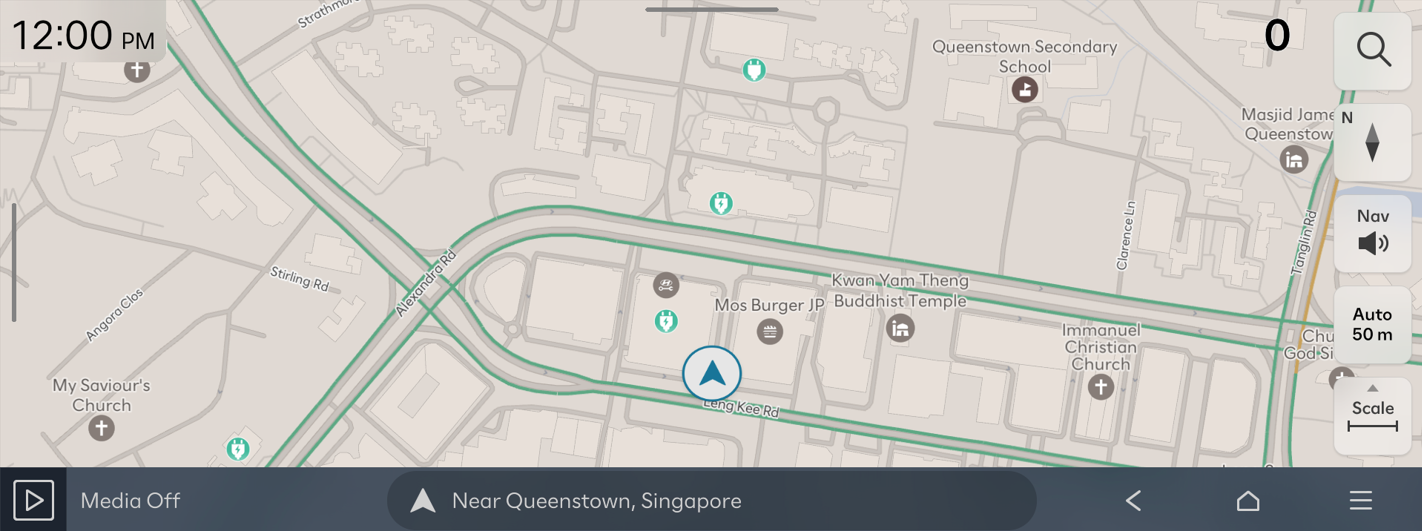
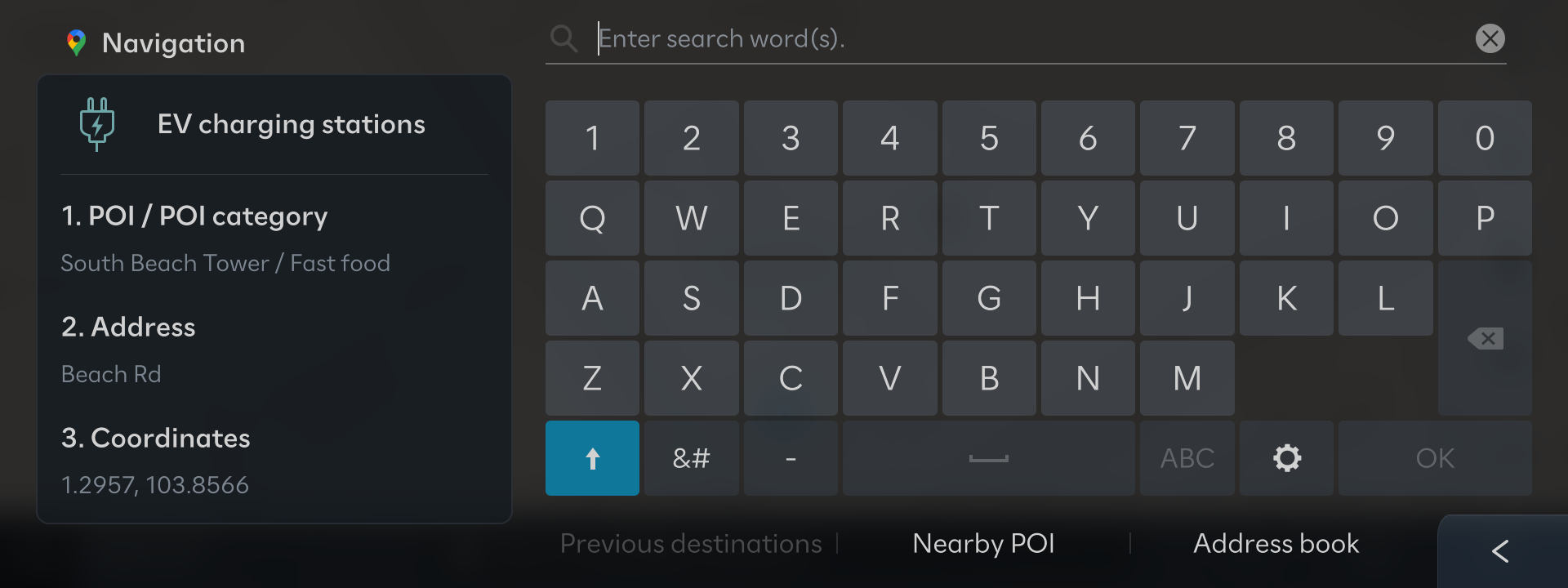
Below are examples of different generation head units available on this website to update:-
ccNC
-
Standard-class Gen5W Navigation (10.25 & 12.3 in. Touchscreen)


- If you own a new model not listed above, no updates are currently available
- Please visit us again when the next map update is released
Disclaimer
-
This update provides software data (may include adding new/removing other features) and map data to improve the user experience and interface.
Once updated, you cannot revert back to the previous version of the software
-
When downloading a map, do not use any software other than the official Navigation Updater (NaU) from the website
Downloading or copying a map from other sources may cause an update failure or serious damage to the navigation system -
Use a USB flash drive to update the software and map
-
Format the USB drive to exFAT before using the NaU
-
Format the USB drive to exFAT before using the NaU
- Before starting the download, make sure your vehicle matches the model/year
- If the model/year doesn't match, it cannot be safely updated
- If the model/year doesn't match, it cannot be safely updated
- If you have multiple drives connected to your PC, make sure to select the correct drive for the installation
- Do not remove the media while the download is in progress
- Do not remove the media while the download is in progress
- Removing media while the download is in progress may cause file corruption or failure to update the map
- Keep the following in mind when updating in the vehicle:
- The system can be updated only when the navigation is turned on with the Start button switched ON.
- Please make sure that the battery is fully charged before updating.
- If you start the vehicle during an update with the Start button ON, the navigation system may lose power.
- If the navigation system loses power or the storage device is removed during the update, it may cause malfunction.
- How to turn the Start button ON
- Press the Start button twice without pressing the brake pedal. This allows you to operate the vehicle's electronics without starting the engine.
- The system can be updated only when the navigation is turned on with the Start button switched ON.

- This update includes overall stability improvements to help provide a smoother and more reliable experience.